
Avoid Common Mistakes When Implementing 2FA for Digital Wallet Security
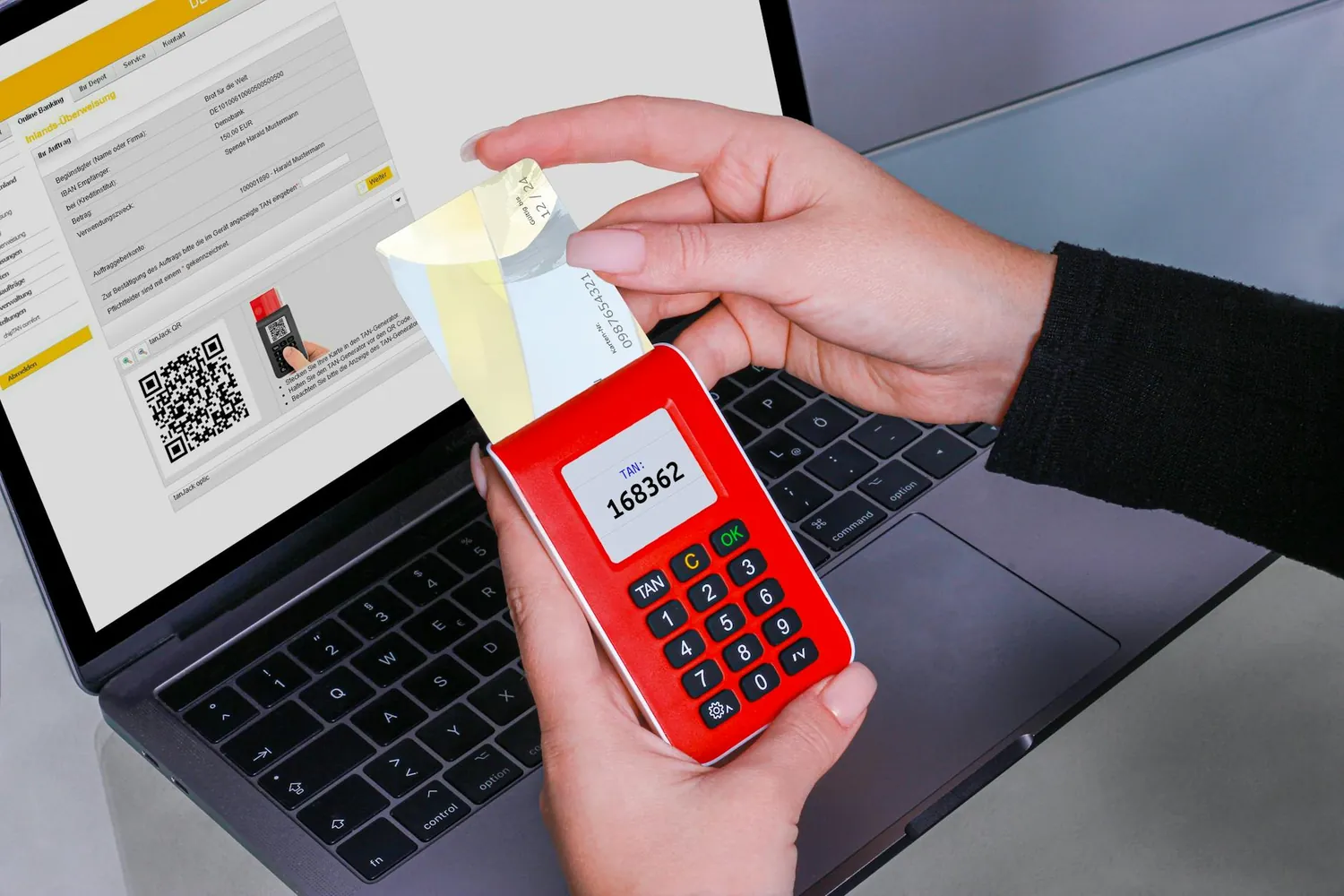
Understanding the Importance of Two-Factor Authentication (2FA)
As cryptocurrency continues to permeate mainstream finance, securing digital wallets against unauthorized access becomes imperative. Two-factor authentication (2FA) offers an additional security layer by requiring a second form of verification beyond just a password.
By utilizing 2FA, you can significantly reduce the risk of unauthorized transactions and mitigate potential threats. However, improper implementation can render it ineffective. This article will walk you through setting up 2FA for various cryptocurrency wallets while avoiding common mistakes and embracing best practices.
Common Pitfalls in Implementing 2FA
Neglecting to Use a Reliable 2FA Method
Not all 2FA methods are created equal. While SMS-based 2FA is convenient, it's vulnerable to SIM-swapping attacks. Instead, consider app-based authenticators like Google Authenticator or Authy, which generate time-based one-time passwords (TOTPs) that are more secure.
Overlooking Backup Options
A significant mistake users make is not backing up their 2FA configurations. Should your phone be lost or damaged, regaining access to your wallet can be problematic without backup codes. Ensure you securely store these codes in a password manager or print them out and keep them in a safe place.
Ignoring Device Security
The security of your 2FA is only as robust as the device it operates on. Failing to secure your smartphone with a strong password or biometric lock exposes your authenticator apps to threats. Regularly update your device's software and avoid downloading apps from untrusted sources.
Setting Up 2FA: A Step-by-Step Guide
Choose Your Wallet
Before implementing 2FA, identify the type of wallet you are using. Whether it's a hardware wallet like Ledger or Trezor, a mobile wallet such as Trust Wallet, or a desktop application like Exodus, ensure your wallet supports 2FA.
Enable 2FA
Here’s a general procedure for setting up 2FA on a typical cryptocurrency wallet:
- Access Security Settings: Navigate to the security settings section of your wallet application.
- Select 2FA Option: Choose 'Enable Two-Factor Authentication.'
- Choose an Authenticator App: Download and install an authenticator app on your smartphone if you haven't already.
- Scan the QR Code: The wallet will display a QR code. Open your authenticator app and scan this code to link it with your account.
- Save Backup Codes: The wallet will provide backup codes; store them securely.
- Verify Setup: Enter the one-time code generated by your authenticator app into the wallet's verification field to complete the setup.
Periodic Review and Testing
After implementing 2FA, regularly test your setup to ensure it's functioning correctly. Periodically review your security settings and update backup codes if necessary. Staying proactive about wallet security reduces the chances of overlooked vulnerabilities.
Best Practices for 2FA in Crypto Wallets
Opt for Hardware-Based Solutions
For enhanced security, consider hardware-based solutions like YubiKey. These USB devices provide an added layer of protection and require physical access for authentication, making remote attacks virtually impossible.
Utilize Password Managers
Using a password manager ensures that you have unique, complex passwords for every account. Some password managers integrate directly with authenticator apps, providing seamless transitions between password and OTP entry.
Stay Informed on Security Updates
The landscape of digital security is always evolving. Stay informed on updates related to your wallet's security features. Subscribe to newsletters or follow trusted crypto news sources to keep abreast of new vulnerabilities and protective measures.
A Practical Mini-Framework for Implementing 2FA
- Assess Wallet Compatibility: Confirm that your wallet supports 2FA options.
- Select Reliable 2FA Method: Prefer app-based authenticators over SMS-based solutions for better security.
- Secure Backup Codes: Generate and store backup codes safely and accessibly.
- Regularly Test & Update: Consistently review the effectiveness of your 2FA setup and keep backup methods up-to-date.
- Enhance Device Security: Protect devices with strong passwords and update them regularly.
This framework provides a foundational strategy for integrating 2FA across different cryptocurrency wallets effectively, minimizing the risk of compromise.
Conclusion
The digital asset landscape is fraught with potential risks, but effective use of two-factor authentication can serve as a formidable line of defense against unauthorized access. By understanding common pitfalls and applying best practices, you can greatly enhance the security of your cryptocurrency investments. Remember, constant vigilance and adaptation are key components in maintaining robust digital security.