User Interface Insights: MetaMask, Trust Wallet, and Exodus
Exploring Non-Custodial Wallets: A Focus on User Interfaces
The landscape of non-custodial wallets is vast and varied, providing cryptocurrency users with essential tools to manage their digital assets independently. Among these, MetaMask, Trust Wallet, and Exodus stand out due to their popularity and comprehensive features. This article explores their user interfaces, transaction speeds, and overall suitability for everyday use.
MetaMask: The Browser Extension Pioneer
Interface Design and Usability
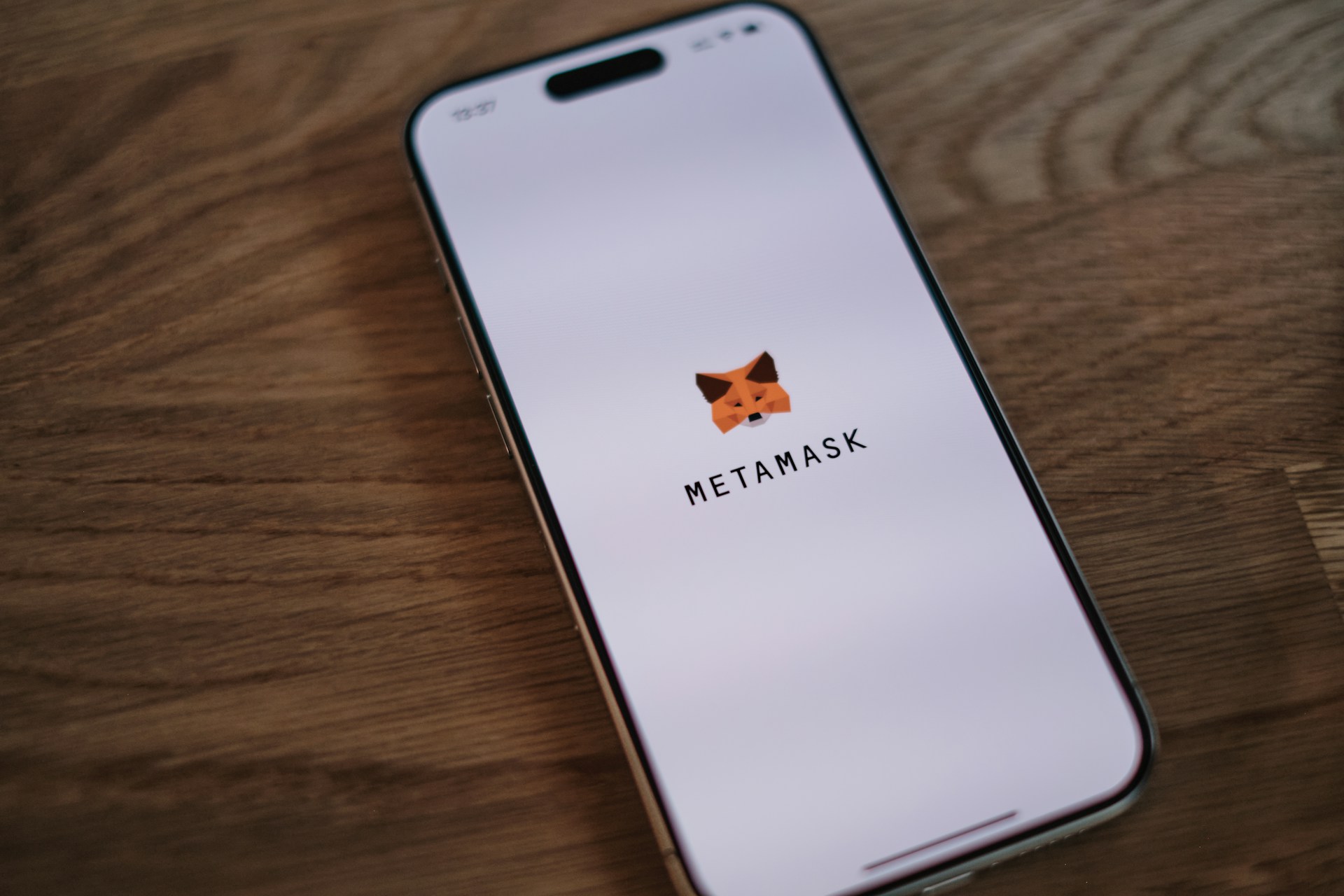
MetaMask offers a unique browser extension-based approach to crypto wallets. Its interface is designed to integrate seamlessly with web browsers like Chrome, Firefox, and Brave. Users can easily navigate between the wallet and decentralized applications (dApps). However, the interface can appear cluttered to newcomers, which might pose a learning curve.
Tip: Take advantage of MetaMask's built-in tutorials. They provide a guided tour of the wallet's features, helping new users get acquainted with its ecosystem.
Transaction Speed and Performance
Being closely tied to the Ethereum network, MetaMask provides relatively fast transaction processing times. However, during high traffic periods on the Ethereum blockchain, users might experience slower transaction confirmations. Gas fees are also dynamically adjusted, providing users insights into optimal transaction times.
- Pro: Quick access and seamless integration with Ethereum-based dApps.
- Con: Transaction speed can be affected by network congestion.
Practical Workflow: Connecting MetaMask with a dApp
To use MetaMask with a dApp like Uniswap, follow these steps:
- Install the MetaMask extension in your preferred browser.
- Create or import your wallet using the seed phrase.
- Navigate to the dApp and click on 'Connect Wallet'.
- Select MetaMask as your wallet option.
- Authorize the connection to begin trading or interacting with the dApp.
Trust Wallet: Mobile Convenience at Your Fingertips
User Interface Experience
Trust Wallet emphasizes simplicity and accessibility, making it a favorite among mobile users. Its clean and intuitive interface is optimized for both iOS and Android devices, offering a streamlined user experience that is perfect for those who prioritize portability in managing their crypto assets.
The home screen provides quick access to balances, transaction history, and popular features such as staking and swapping. The design aesthetic is minimalistic yet functional, reducing the complexity often associated with crypto transactions.
Transaction Speed: A Mobile Perspective
Trust Wallet's transaction capabilities are robust, with support for multiple blockchains like Binance Chain, Ethereum, and more. This multi-chain support ensures that users can execute transactions efficiently across different networks without noticeable delays. However, similar to MetaMask, network congestion can impact transaction speeds on individual blockchains.
- Pro: Multi-chain support enhances versatility in asset management.
- Con: Network-specific issues can still slow down transactions during peak times.
Practical Workflow: Staking Coins Using Trust Wallet
Staking with Trust Wallet is straightforward:
- Open Trust Wallet and select the 'Staking' tab from the main menu.
- Choose a supported cryptocurrency for staking.
- Review the staking terms and confirm the action.
- Your coins will be staked, earning rewards over time without further intervention needed.
Exodus: A Desktop Powerhouse with Mobile Synergy
User Interface Overview
Exodus excels in providing a visually appealing interface that is user-friendly across both desktop and mobile platforms. The interface is sleek and colorful, with detailed graphical representations of portfolio holdings that appeal to both novice and seasoned investors.
The desktop version integrates seamlessly with its mobile counterpart through secure syncing options, allowing users to manage their wallets anywhere while maintaining the same user experience across devices.
Transaction Speed: Desktop Meets Mobile Efficiency
Exodus supports a wide range of cryptocurrencies and facilitates quick transactions through optimized network connections. Its performance remains stable even when dealing with complex transactions across multiple blockchains.
- Pro: A unified experience across desktop and mobile enhances usability.
- Con: Lack of support for direct fiat currency exchanges may require additional steps for some users.
Practical Workflow: Syncing Desktop and Mobile Wallets in Exodus
To maintain consistency across platforms:
- Download Exodus on both desktop and mobile devices.
- Create or restore your wallet using the recovery phrase on one platform.
- Sync your wallet by scanning a QR code generated on your desktop device using the mobile app.
Choosing the Right Wallet for Everyday Use
The choice of a non-custodial wallet depends heavily on individual preferences regarding usability, mobility, and technical engagement:
- If browser-based integrations and deep Ethereum ecosystem involvement are critical, MetaMask provides a robust solution.
- For users who prefer managing their assets through a mobile-friendly platform with extensive multi-chain support, Trust Wallet stands out.
- If a comprehensive cross-platform experience is desired, along with visual portfolio management features, Exodus might be the ideal choice.
The most effective strategy involves evaluating personal priorities regarding ease of use, speed requirements, and compatibility with desired blockchains. Understanding these elements will help align wallet functionalities with everyday crypto activities efficiently.